Make the contents of your phone useful offline
A short airplane-mode rehearsal reveals which maps, tickets and files are actually downloaded.
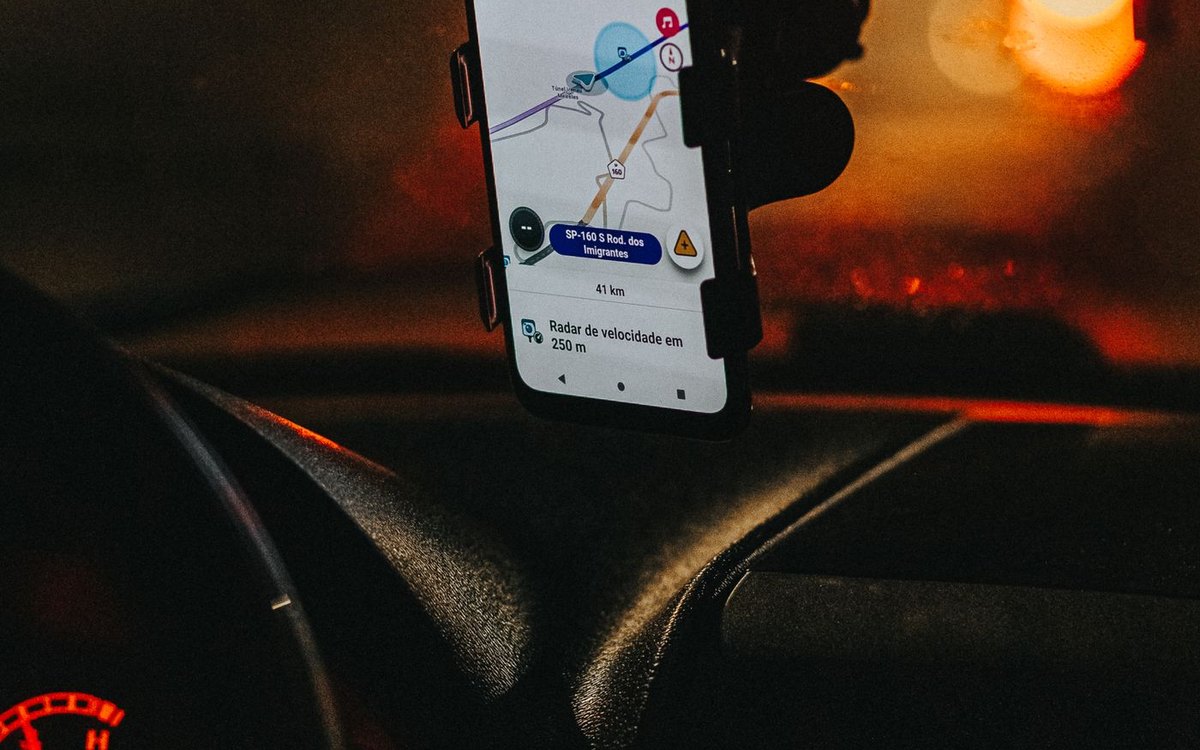
The time to learn that a file icon is a cloud placeholder comes before the journey. List a few documents you would still need with no service. These may include a reservation, a route, contact details, a translation pack or a document explaining how to reach a building after hours. Use the official app’s download option and look for any published expiration.
Try the trip in miniature
Turn off connectivity while still at home. Try opening the exact item you expect to use. Zoom into the relevant part of the map or inspect all the ticket pages. Some transport operators use rotating codes or require the original app. Follow the operator’s instructions if a screenshot will not work. Leave enough free storage for the offline items and routine updates.
Build a list around decisions you will make
Start at the first uncertain point after departure. An unfamiliar arrival hall may require a floor plan or an address in the local spelling. Walking to a station may require a route and the name displayed on the entrance. A late check-in may require a code issued through a particular app. Write down what you will need to decide and which document lets you decide it. A complete inbox is less valuable offline than a small, verified set of items kept in places you can reach under pressure.
Put the information in one or two clearly named locations using tools you already know. A trip folder can hold allowed PDFs and reference notes while tickets that must run in an official wallet remain there. List which are in each place. Save critical details in a form the issuer accepts. If the service supports a printable ticket, print or save precisely the relevant pages rather than a screen that might omit a second passenger. If it requires a live app and says it needs a connection, plan how you will get one or obtain an authorized alternative in advance.
Remember which account owns the documents. A phone can present an email attachment as visible while it quietly downloads the file on each open. Download a permitted copy and verify it from the folder where you put it. When seeing a private document later, follow its security requirements and use appropriate device protection. Keep only what you actually need through travel so that a lost phone or a forgotten shared folder exposes a smaller set of material.
Download the part of the map you will really use
Choose the geographic area just as you would fold a paper map. Include arrival and departure locations, the route between them and one realistic alternate. A destination pinned inside a download does not ensure the whole approach lies inside it. Check the boundaries in the map app's offline panel and use Wi-Fi for any larger files if your plan makes that sensible. Open the map later through a cold start, while still at home, to make sure you can find what you stored.
Read which modes work without service. Google's Android Maps help describes offline guidance within the downloaded area and says offline public transport, walking and cycling directions are unavailable in that application. Other products can make different promises. If you expect to walk or use a train, write down the essential steps or save an authorized timetable from the operator. A moving blue dot can help you stay oriented, though it does not supply a live departure board or identify an unexpected closure.
Take one more look at map age and local coverage. Some downloads require a refresh and some areas may not be available. A place can change after a map was last stored. Record the approximate date beside the file and leave enough time to update it at your departure point. If turn-by-turn instructions are important, review the route when you are stationary. Ask for local directions if a path looks inconsistent with signs, opening hours or access restrictions.
Test the device through an ordinary restart
A good offline rehearsal is more than turning off cellular data with an app already open. Some phones leave Wi-Fi or Bluetooth on when airplane mode is enabled, depending on settings. Confirm the test is isolating the connection you intend to lack. Close the application, reopen it and check each item. Restart the phone if you can do so safely. A file or code displayed long before a restart may need a connection, a current sign-in or a refreshed download to return. Give the essential items the longer test.
Open every page of a time-sensitive document, including its back or companion attachment when supplied. Read the confirmation number at a comfortable text size. A scan with tiny print may be legible at home and difficult in bright sunlight. If the ticket includes several names, verify the correct order and the local time shown by the issuer. Copying an event into another calendar can introduce a different timezone display. Keep a direct route to the underlying ticket when eligibility or timing depends on it.
Test any translation package with an ordinary sentence likely to come up and verify the language pair you downloaded. A tool can support typed text offline while voice recognition or image translation uses a different route. For information that affects health, entry requirements or other high-stakes decisions, use a qualified or official source and preserve its details through the appropriate approved method. An offline tool is then useful for ordinary orientation rather than your only way to interpret something critical.
Leave enough room for the phone to behave normally
Check actual free space after downloading the important material. A season of podcasts can use room you meant for map areas and documents. A cloud app may download items on demand or clear some local copies when space is low. Keep the essential files in an approved location with durable offline behavior, and open them after the device has run through a few normal hours. Do not clear caches you do not understand immediately before a trip. That can remove the very state you were counting on.
Check the battery and cable you will bring. An offline route still depends on a working screen and sufficient power. If you are moving around, lower the number of tasks that require leaving the display on for a long time. A small clear note with addresses and public support numbers can be faster to open than several apps. Use any backup battery only within local and transport rules. A route written on paper needs no charging and can be easier to consult discreetly in a crowded room.
Agree on a check before departure
Make one final short inspection after updating maps and tickets. Look for a producer's change notice, then open the final copies offline once more. If another person is traveling with you, agree how they can find the right confirmation if the primary phone is unavailable. Share only what they need through a suitable method. A person who knows the issuer name and can recognize the accepted fallback is far better prepared than someone left to search through a stranger's whole inbox.
After the trip, remove maps you will not use and trim unnecessary local copies consistent with any recordkeeping need. Keep a short list of things that actually helped during the transition. The next rehearsal can begin with those items and one test of a changed route. The aim is confidence in a few real decisions when the screen shows no service, not a phone stocked with every document you ever opened.
Test exactly where the important item becomes visible
Imagine that the first five seconds of the interaction happen while you are waiting in a line. Create shortcuts to the limited materials you will hand someone or need to read aloud, if your device permits that safely. Keep an offline reference distinguishable from the live service. A phone may display several similar document icons in search, and choosing the wrong one can reveal a draft or old date. Name your final copy with the event or route and date. Keep a separately marked list for items that must only be used through the issuer's app.
Prepare a way to read the address or reference when brightness changes or the phone has restarted. Open the file from the home screen without using a search suggestion. If arriving somewhere with another alphabet, preserve the address as officially written and, when useful, an approved transliteration. Use a clear note for a public contact number, and keep private information behind the protection it needs. If a reference requires memorizing a passphrase or knowing which storage app owns a file, rehearse the order before you rely on it.
Record the items that cannot be downloaded and why. Some services have a valid reason to require a renewed code or a current online lookup. Build an alternative around a known connection or an official desk instead of inventing a substitute the operator may reject. If your journey changes, that record helps you tell which places need a new download and which simply need updated times.
Choose the fallback carefully
Save a second approved form of critical information where appropriate, such as a printed confirmation or an offline note containing a public support number. Minimize copies of sensitive documents and protect those you keep. Remove old offline downloads after the trip. The best rehearsal takes five minutes and uses exactly the conditions in which you expect to rely on the files.