

Technology, explained clearly.
Understand the settings, standards and specifications that affect the way your devices work.
Computing
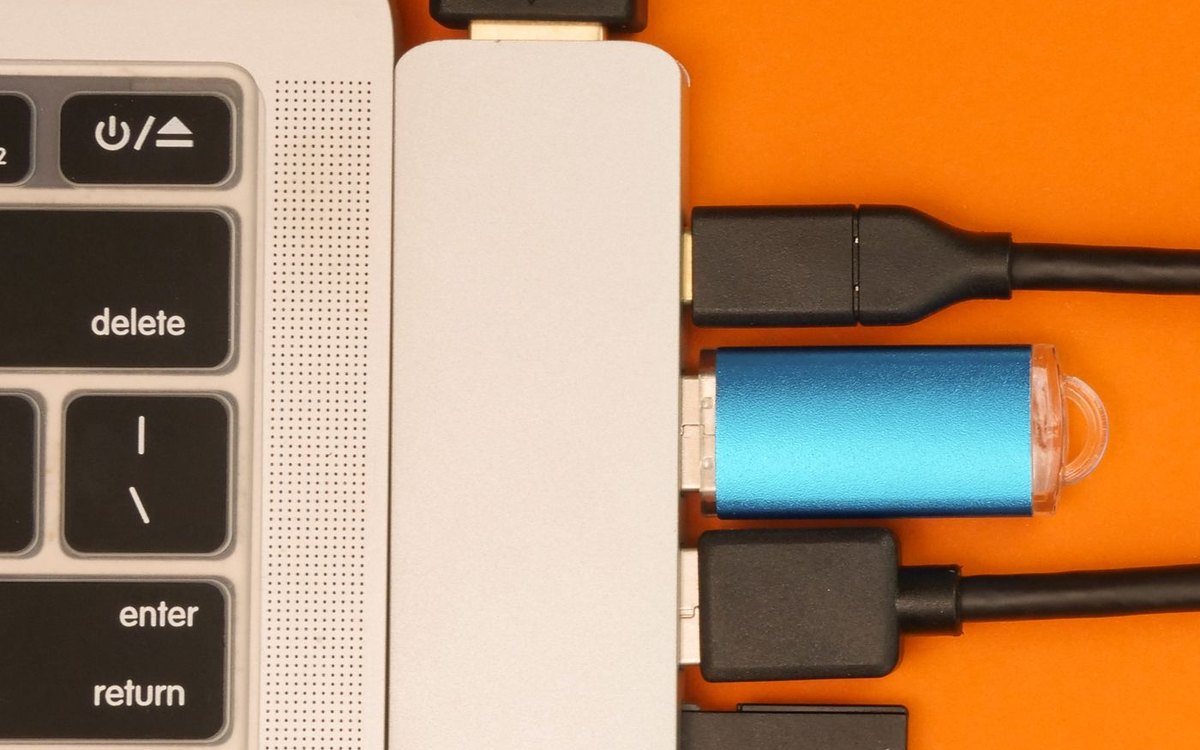
Why your USB-C dock charges but shows no picture
Trace power, data and display signals through the dock before replacing equipment.

Systems explained
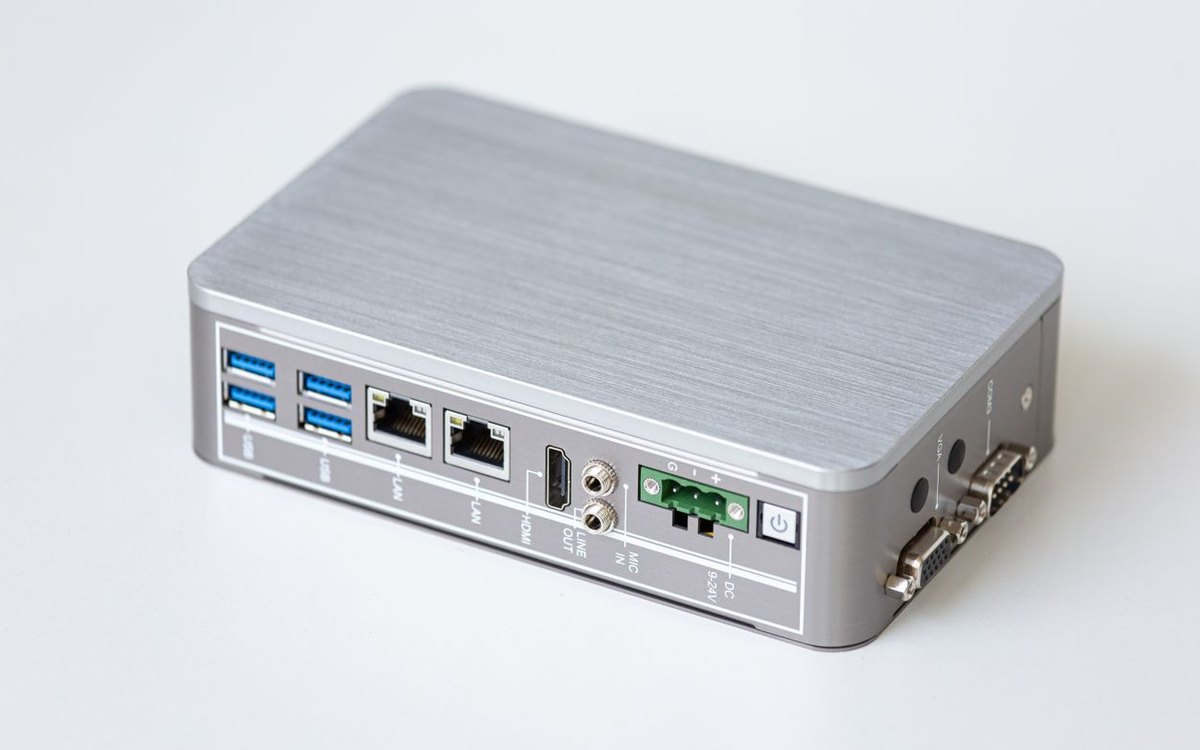
Laptops, software and the systems that keep work moving.

Computing
Where your missing storage space actually went
Read a storage report without mistaking temporary caches for permanent files.
Computing
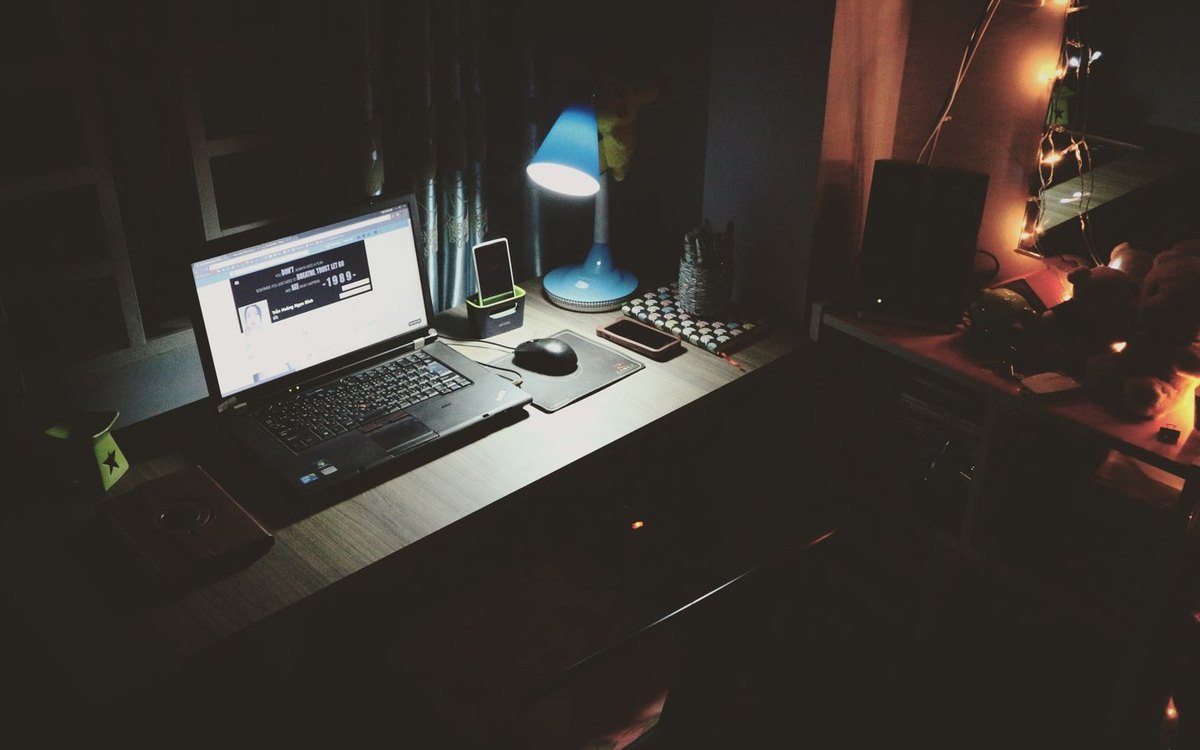
Find the bottleneck before replacing your laptop
Use a few repeatable observations to tell whether memory, storage, software or heat is holding a laptop back.

Computing
A backup earns its name when a file comes back
Plan a small restore exercise that tests what your backup actually protects.

Computing
Keyboard repairs begin with the switch socket
Understand switch fit, stabilizers and replacement parts before buying a mechanical keyboard for long service.
Hardware fundamentals
Phones, displays and the hardware we use every day.

Devices
A travel SSD should be easy to recover from
Speed helps during a copy, and a clear backup routine matters when a drive is misplaced or stops responding.

Devices
The 14-inch MacBook Pro with M6 and the upgrade question
Apple's October 2026 announcement offers a useful starting point for deciding which laptop limits an upgrade would actually remove.
Devices
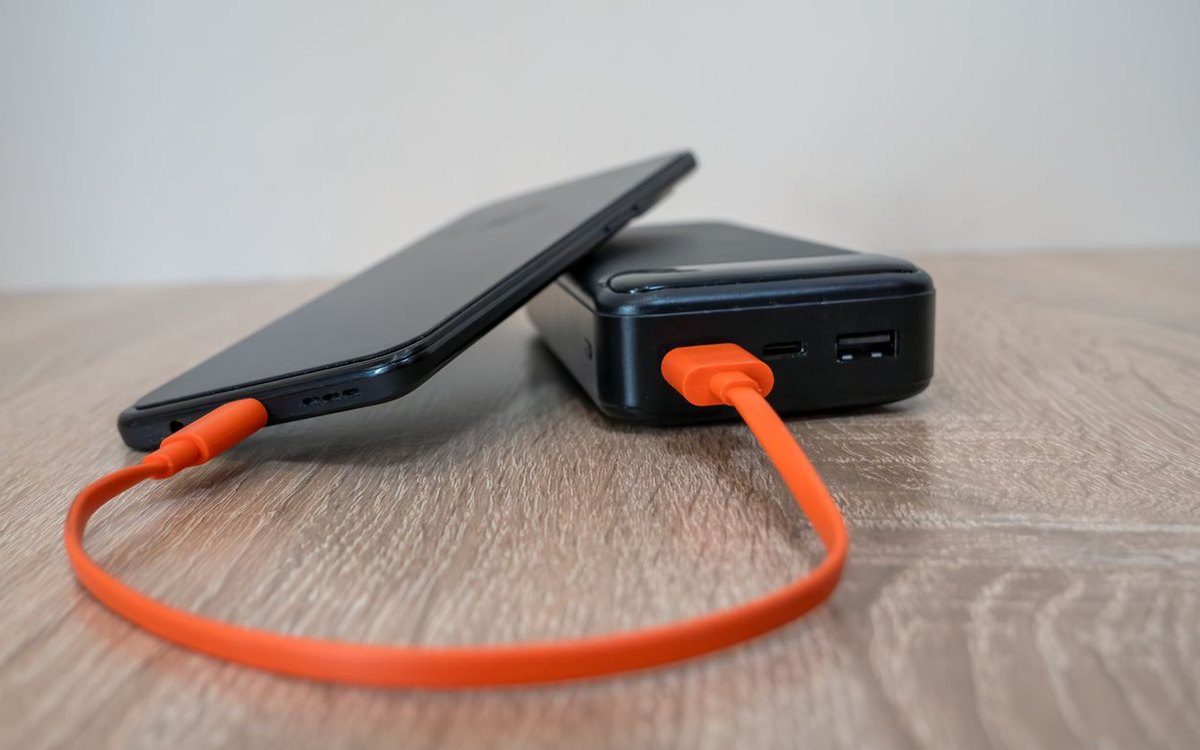
How to read the labels on a USB-C cable
A charging cable, a fast storage cable and a display cable can look identical from across the desk.

Devices
When a portable monitor earns a place in the bag
A travel display is most useful when it solves a routine workspace problem without creating two new cables and a fragile stand.
Account essentials
Accounts, accessibility and the everyday choices behind being online.

Digital Life
Read a document sharing dialog from the recipient’s side
Viewer, commenter and editor roles control different parts of a collaborative workflow.

Digital Life
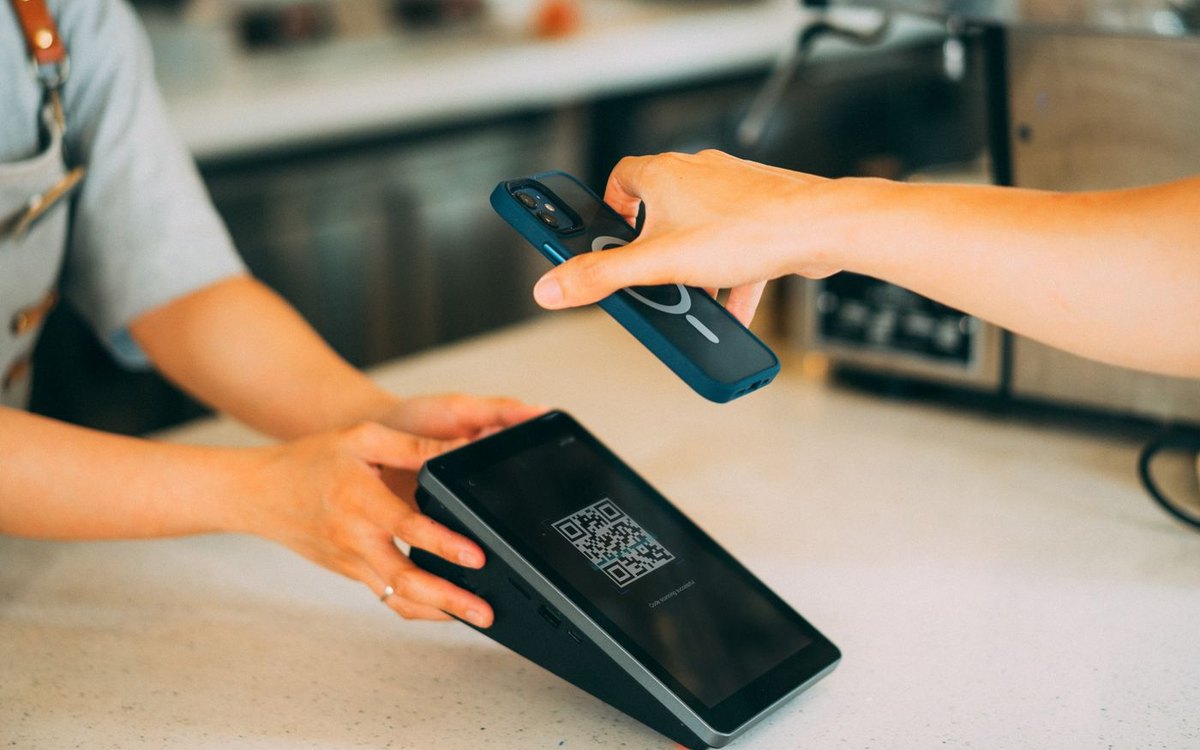
Set up a passkey and rehearse losing the phone
The next time you change devices should be a recovery check you already know how to do.
Digital Life
Give an app the permission its job actually needs
Review camera, microphone, location and library access when the immediate task is clear.

Digital Life
Keep an account inventory without writing down passwords
A simple register can improve recovery without becoming a second credential store.
Home reference
Home networks, shared devices and the connections between them.

Connected Home
Why a fast internet plan can still deliver a freezing call
Short delays, lost packets and congested uploads can matter more than peak download speed.

Connected Home
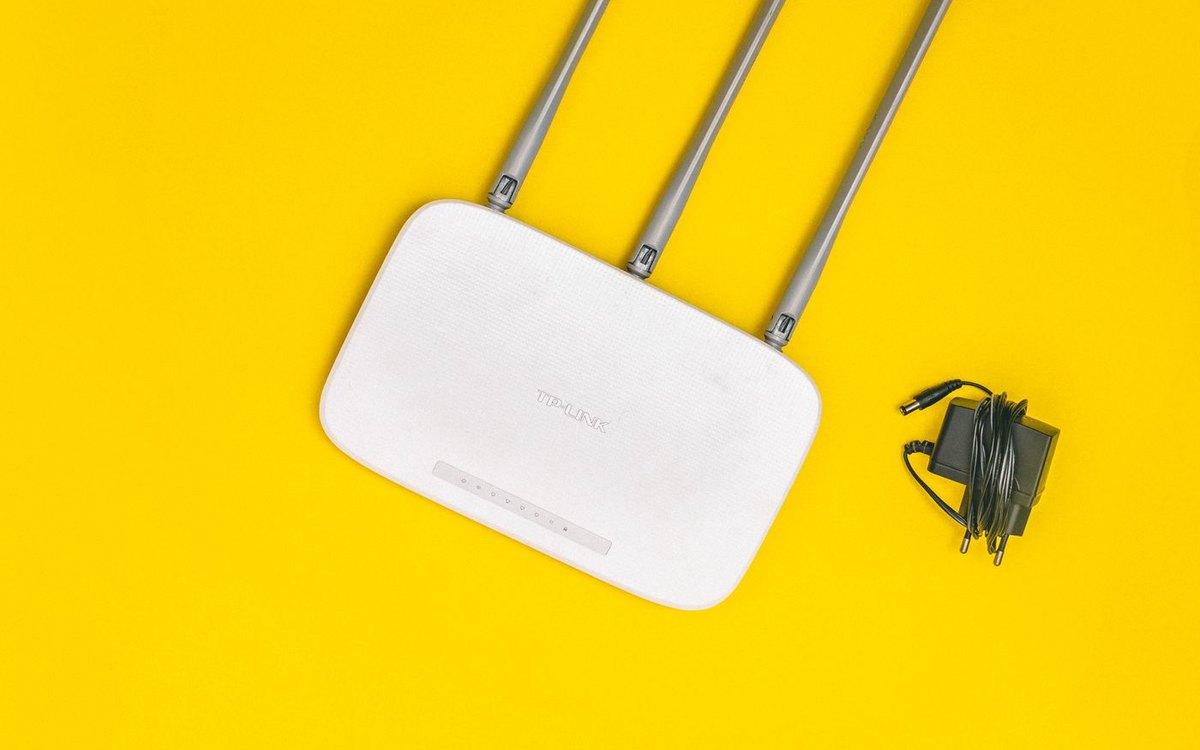
Map the Wi-Fi dead zone before buying another router
Compare the same device in several rooms to find where the connection actually breaks down.
Connected Home
What a guest Wi-Fi network does for a busy household
Give visitors practical internet access while keeping shared devices under household control.

Connected Home
Why the family printer disappears from the network
Troubleshoot address changes, guest networks and discovery before reinstalling the printer.
Production basics
Photography, audio, video and the craft behind the file.

Creative Tools
Export Logos and Graphics at the Right Resolution
Decide between vector and raster formats by following a graphic through responsive layouts, dark backgrounds and real delivery requirements.

Creative Tools
Light a Video Interview With One Lamp and a Window
Shape the available light first and add a single lamp when it solves a clear problem in the exposure or background.

Creative Tools
RAW or JPEG? Choose by the Picture You Need to Deliver
A useful camera format decision starts with the light, the deadline, and how much editing the finished image needs.

Creative Tools
How to Record Dialogue in a Room That Wasn't Built for It
Before buying another microphone, learn to recognize reflections, mechanical noise, and the distance that makes voices sound clear.